
Mastering Careers & Skills
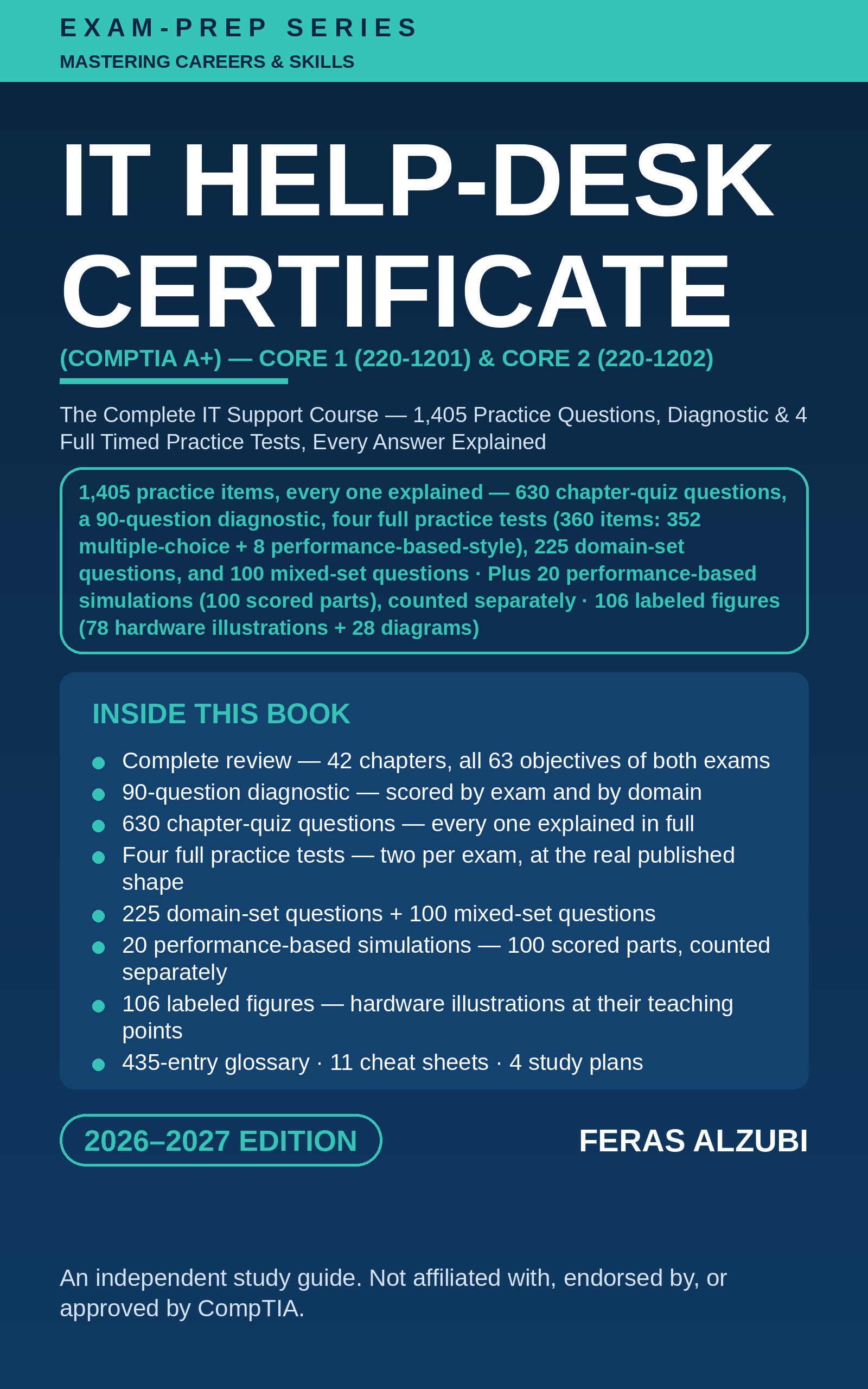
The Complete IT Support Course — 1,405 Practice Questions, Diagnostic & 4 Full Timed Practice Tests, Every Answer Explained
The Buy button takes you to this book's secure Payhip page, where you can read the free first-chapter sample, pay, and download the EPUB instantly.
This book does not promise any score, any certification, or any outcome. Passing scores, exam shape, and the same-series rule are stated as CompTIA publishes them; study plans, readiness guidance, and routing advice are this book's guidance, labeled as such wherever they appear. The practice items are original, written fresh for this book against the published objectives — they are not the exams' questions.
Read the first chapter free — the sample on this page is Chapter 1 of this book, exactly as it appears in the full edition.
From the Mastering Careers & Skills library — complete A-to-Z professional teaching books for careers, trades, and certifications.
This book is an independent study publication. It is not affiliated with, endorsed by, or sponsored by CompTIA. CompTIA and A+ are trademarks of CompTIA, Inc. The exam objectives cited in this book are the published objectives of the CompTIA A+ Core 1 (220-1201) and Core 2 (220-1202) exams, Version 2.0 (© 2024, CompTIA). The exams' objectives, shape, rules, and fees are set by CompTIA and change over time — always confirm the current objectives and the fee for your location with CompTIA before you book. Passing any exam also depends on the candidate's own preparation; no book can guarantee a pass or a certification.
Refunds: Please read the free sample chapter before you buy. This is a digital ebook, delivered instantly by download. If the file is defective, or you cannot open or download it and we cannot fix the problem, you will receive a full refund — email us within 14 days of purchase. Because the book is delivered instantly as a downloadable file, all other sales are final.
> How to read this book (EPUB format): After checkout, download the EPUB file, then open it in any free ebook reader app. On iPhone or iPad: Apple Books — it is already on your device. On Android phones and tablets: Google Play Books (free: https://play.google.com/store/apps/details?id=com.google.android.apps.books) — upload the file in the app — or ReadEra (free). On a Windows or Mac computer: Thorium Reader (free: https://thorium.edrlab.org) or Adobe Digital Editions (free). On Kindle: use Amazon's free Send to Kindle (https://www.amazon.com/sendtokindle) to add the file to your Kindle library.